VFX BOMB
STEM DEMO
Explosive real-time VFX bomb effect with dynamic particles, fire, smoke, and shockwaves. Built with Three.js.
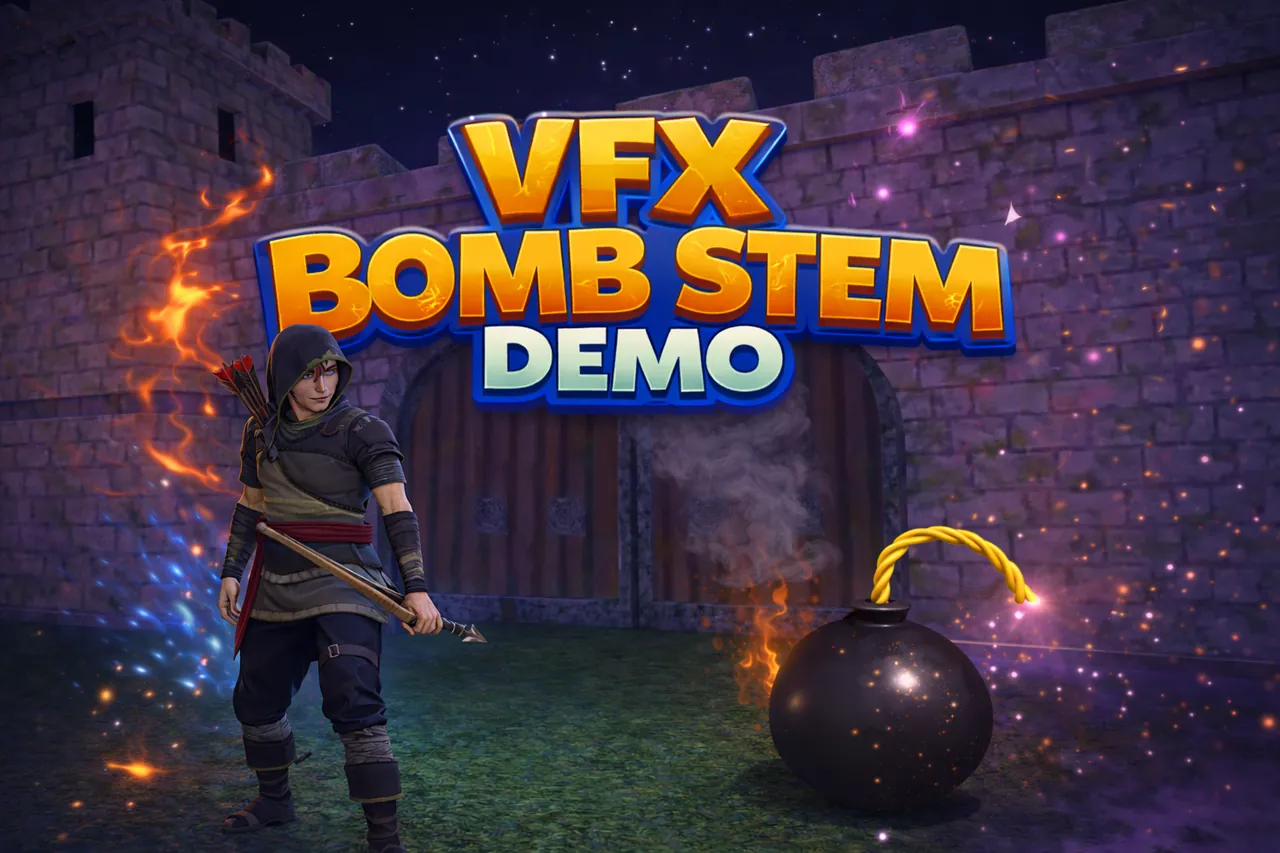
High-Quality Explosion VFX
This demo showcases a powerful bomb explosion effect with multiple particle layers, fire, smoke, and dynamic lighting — perfect for action, adventure, or battle games.
Frequently Asked Questions
How do you make a bomb explosion effect in Three.js?
Layer several particle systems: a quick bright flash, a burst of fire particles that grow and fade, darker smoke that rises more slowly, and an expanding shockwave ring. Additive blending makes the fire glow, and a short-lived point light lights up the scene around the blast.
What makes an explosion look good in a 3D browser game?
Timing and layers. A strong flash in the first few frames, fast-moving sparks, a fireball that cools from yellow to red, and smoke that lingers after the fire is gone. Mixing fast and slow layers is what sells the blast.
Will an explosion VFX like this run smoothly in a web browser?
Yes, if particle counts stay reasonable and each layer is drawn with as few draw calls as possible, such as one Points or instanced mesh per layer. Modern desktop and mobile browsers handle effects like this with WebGL in real time.
Where can I use a bomb VFX in my own games?
Anywhere something blows up: grenades, mines, rocket impacts, destructible crates or castle sieges. The same layered approach also works for smaller effects like sparks or magic hits by shrinking the size and particle count.