PROGRAMMING
3D GAMES WITH THREE.JS
What actually goes into programming a 3D game with Three.js: the game loop, scene setup, characters, input, collision, game state and effects, explained with short examples and links to complete free tutorials.
By Shane Brumback · Updated November 3, 2026
The Anatomy of a Three.js Game
Every 3D game, from a tiny arcade toy to Super Soldier Battle, is built from the same parts. Three.js gives you the renderer; you supply the rest:
- Scene: the world, its lights, sky and level geometry.
- Entities: the player, enemies, pickups and projectiles, each with a mesh and some state.
- Input: keyboard, mouse, touch and gamepad mapped to actions.
- Simulation: movement, collision and rules, updated with delta time.
- Presentation: animation, effects, sound and the HUD.
- Game state: menu, playing, paused and game over.
Keeping these parts separate is what makes a game easy to grow. If you are new to the library, start with Learning Three.js and Game Programming and come back here.
Organising Your Game Code
A single 2,000-line file works until it does not. Split the game into ES modules early: main.js creates the renderer and loop, input.js owns the input state, player.js and enemy.js define entity classes, and level.js builds the world. Each entity class gets an update(dt) method and, if it owns GPU resources, a dispose() method.
export class Enemy {
  constructor(scene, mesh) {
    this.mesh = mesh.clone();
    this.speed = 2;
    this.alive = true;
    scene.add(this.mesh);
  }
  update(dt, player) {
    const dir = player.position.clone().sub(this.mesh.position).setY(0).normalize();
    this.mesh.position.addScaledVector(dir, this.speed * dt);
    this.mesh.lookAt(player.position.x, this.mesh.position.y, player.position.z);
  }
}
As games grow, some developers move to an entity component system, where entities are IDs and behaviour lives in systems that loop over components. You do not need that for a first game, but keeping update logic out of event handlers and rendering code makes the switch easy if you ever want it.
The Game Loop
The loop runs once per display frame. Read input, update the world with the time since the last frame, then render. Three.js provides renderer.setAnimationLoop, which also works for WebXR:
const clock = new THREE.Clock();
let state = 'playing';

renderer.setAnimationLoop(() => {
  const dt = Math.min(clock.getDelta(), 0.05); // clamp after a tab switch
  if (state === 'playing') {
    player.update(dt, input);
    for (const e of enemies) e.update(dt, player);
    checkCollisions();
    mixer.update(dt);                           // character animations
  }
  renderer.render(scene, camera);
});
Clamping dt stops objects teleporting after the tab was hidden. For physics-heavy games, run the simulation at a fixed step, such as 60 updates per second, and render as often as the screen allows.
Building the Scene
Start with lighting and scale. Decide that one unit is one metre and stick to it, because physics, camera speed and imported models all depend on it. A HemisphereLight plus one shadow-casting DirectionalLight covers most outdoor games, and scene.fog hides the far clip plane and adds depth for almost no cost.
For larger worlds, generate the ground instead of modelling it: endless terrain chunks, noise-based mountains and instanced grass are all covered in free tutorials, along with water with floating objects.
Characters and Animation
Characters are usually skinned glTF models with clips such as idle, walk, run and shoot. Load them with GLTFLoader, create an AnimationMixer and cross-fade between actions when the state changes:
function play(name, fade = 0.2) {
  const next = actions[name];
  if (next === current) return;
  next.reset().fadeIn(fade).play();
  current?.fadeOut(fade);
  current = next;
}
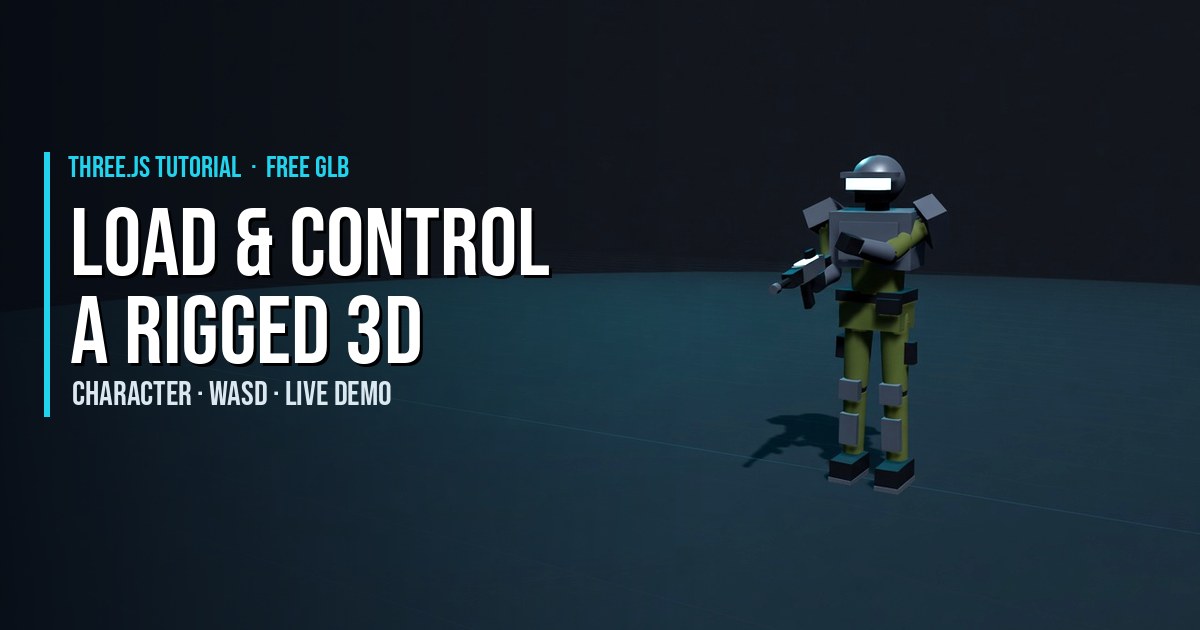
Match animation speed to movement speed or the feet will skate; why feet slide and how to fix it explains stride syncing. To practice, try the rigged Super Soldier, loading and animating characters and a playable armored soldier.
Input and Cameras
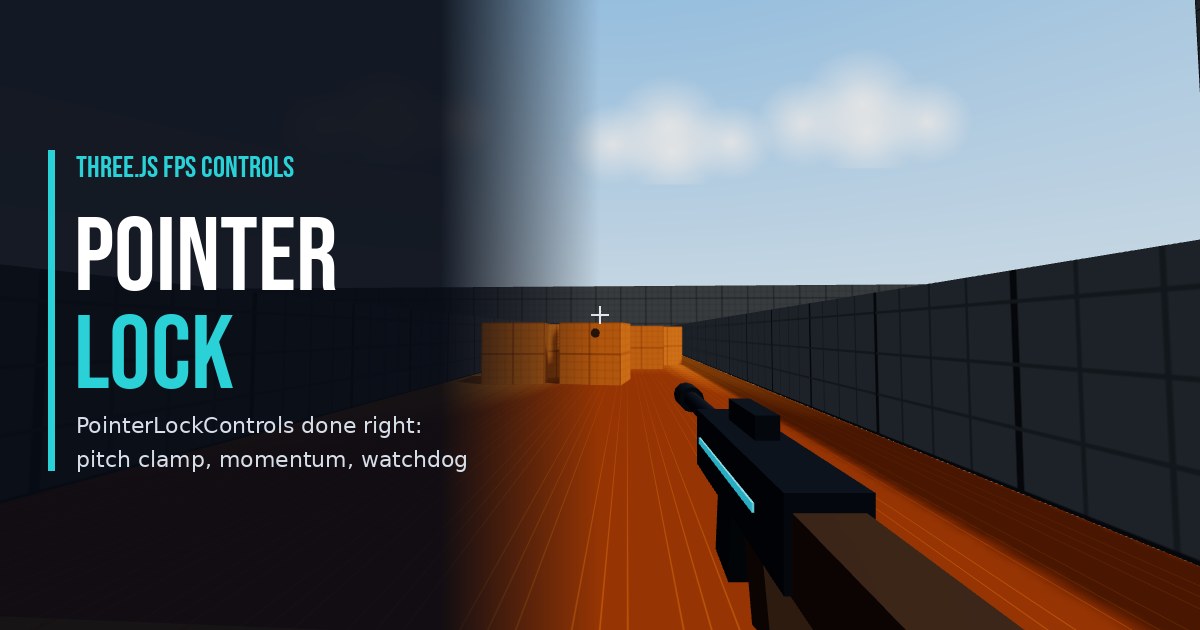
Map raw events to actions so gameplay code never asks "is W down?" but "is the player moving forward?". That makes it easy to add touch and gamepad later. Pair input with a camera style: first person with PointerLockControls, third person with a camera that follows the player using lerp, or a fixed camera that tracks a target.
On phones add an on-screen touch joystick; for controllers, use the Xbox controller tutorial. Using Three.js to Develop Online 3D Browser Games shows one input object fed by every device.
Collision and Hit Detection
Most browser games do not need a full physics engine. Choose the simplest test that feels right:
- Sphere and box checks.
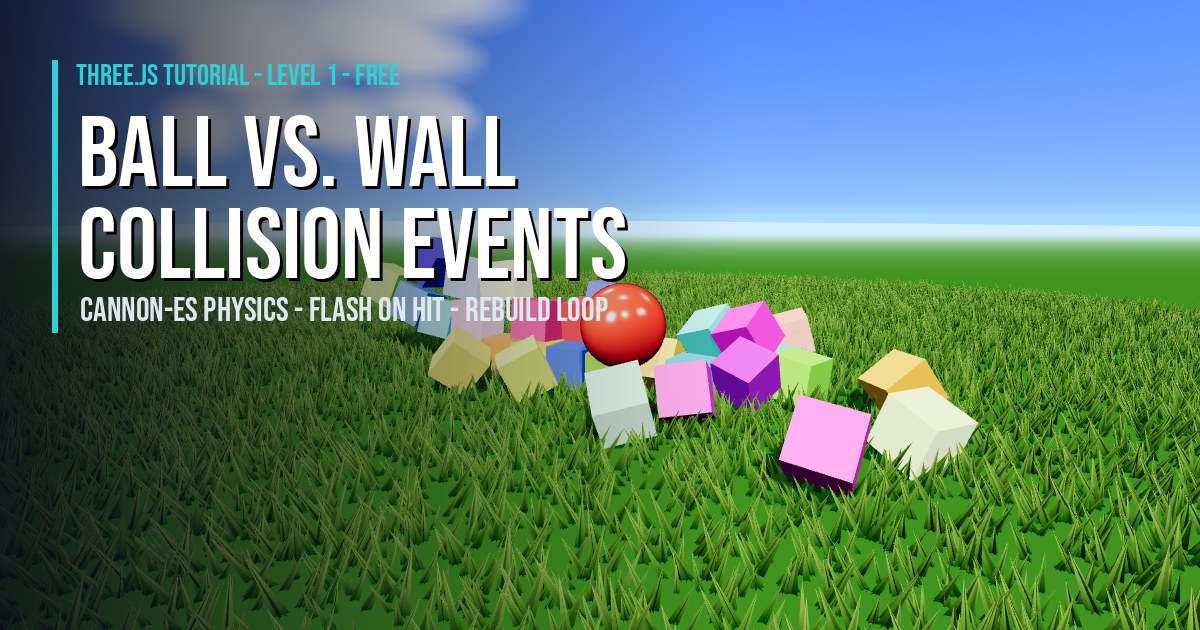
Box3.intersectsBoxand distance checks between centres are cheap and fine for pickups and enemies. See 3D collision events. - Raycasts. Use a
Raycasterfor bullets, ground height and line of sight. Selecting a 3D cube is the gentle introduction. - Accelerated raycasts. Against detailed levels,
three-mesh-bvhmakes raycasts far faster, as in walls that stop bullets. - Physics engines. Rapier or cannon-es when you need stacking, ragdolls or vehicles.
Game State, Score and UI
A simple state machine keeps the game understandable: 'menu', 'playing', 'paused' and 'gameover'. Only update the simulation while playing, and pause automatically when the tab is hidden. Draw the HUD in HTML and CSS on top of the canvas: health bars, ammo and scores are easier to style, translate and keep accessible than text rendered in WebGL. Scattering pickups across terrain is a good example of gameplay rules meeting the 3D world.
Sound and Music
Attach an AudioListener to the camera and use PositionalAudio on enemies and pickups so players can hear where things are. Start audio from a click on your Play button, because browsers block sound until the user interacts. A small library of short, punchy effects for shooting, hits, pickups and footsteps does more for the feel of a game than any single visual effect.
Debugging, Tuning and Testing
- Visual helpers.
AxesHelper,Box3HelperandSkeletonHelpershow you where things really are, which settles most "why is it not colliding" questions. - Live tuning. Put speeds, jump height and enemy counts on a lil-gui panel and tune while playing instead of editing and reloading.
- Performance numbers. Log
renderer.info.render.callsand triangle counts; watch the Performance panel for long frames and garbage collection spikes. - Real devices. Test on a mid-range phone with touch controls before you add more content.
- Playtesters. Watch someone play without explaining anything. Where they get stuck is your to-do list.
Polish is a loop of its own: play, notice the thing that feels wrong, fix it, repeat. My Super Soldier Battle dev logs show that process on a real game, and Using Three.js to Develop Online 3D Browser Games covers getting the finished game online.
Effects That Sell the Action
Feedback makes a game feel good. A muzzle flash, a hit spark and a short camera shake tell the player something happened. Particle systems built on BufferGeometry and Points handle sparks, smoke and fire cheaply; post-processing adds bloom for glowing shots.
- 3D particle blast and rockfire explosion for impacts.
- ground mist and smoke and GPU fires for atmosphere.
- bloom glow for lasers and neon.
Three.js Game Examples to Study
Reading working games is the fastest way to learn structure. These are mine, all free to play in the browser:
- Super Soldier Battle: multiplayer FPS with bots, turrets, terrain and pickups.
- Zombie Attack: voxel survival shooter with waves of enemies.
- Space Wow: arcade space shooter.
- Planet Quest: an educational solar system flight game.
- All 3D games and example code.
When you are ready to build your own, the FPS Game Starter gives you a working loop, controls and targets to extend.
From Prototype to Finished Game
The games that get finished start small. Build a gray-box prototype first: cubes for the player and enemies, a flat plane for the level and the core action working end to end. If moving, shooting or collecting is fun with cubes, it will be fun with art. If it is not, no amount of models and shaders will fix it.
Then add one layer at a time: real models and animation, effects and sound, menus and a score, and finally performance work and mobile controls. Ship each layer to a real URL so you can test it on a phone and share it. That rhythm, small playable steps that are always online, is how every game on this site was built.
Frequently Asked Questions
What do I need to program a 3D game with Three.js?
JavaScript, a modern browser and a local web server. Three.js handles rendering; you write the game loop, input, collision and game state, and optionally add a physics library and glTF models made in Blender.
What is a game loop in Three.js?
A function that runs once per frame, usually through renderer.setAnimationLoop. It reads input, updates objects using the time since the last frame, checks collisions and then renders the scene.
How do I add characters to a Three.js game?
Export a rigged, animated model as glTF or GLB, load it with GLTFLoader and play its clips with an AnimationMixer, cross-fading between idle, walk and run as the player moves.
How do I detect collisions in Three.js?
For simple games use bounding boxes, spheres or distance checks, and use Raycaster for bullets and ground height. For detailed levels three-mesh-bvh speeds up raycasts, and Rapier or cannon-es handle full physics.
Should the game HUD be drawn in Three.js or HTML?
HTML and CSS overlaid on the canvas is usually best for health, ammo, scores and menus. It is easier to style, scales cleanly and stays accessible, while Three.js focuses on the 3D world.
Where can I find Three.js game examples with source code?
This site has free tutorials with live demos and copy-paste code, including an FPS starter, character controllers, collisions and effects, plus playable games such as Super Soldier Battle and Zombie Attack.
Keep Reading: Three.js Game Articles
 THREE.JS ARTICLE
Learning Three.js and Game Programming
A roadmap, tools and first projects.
 THREE.JS ARTICLE
Using Three.js to Develop Online 3D Browser Games
WebGL, performance and publishing.
Browse every article or all free Three.js tutorials.
SEE 3D AND 2D BROWSER GAMES IN ACTION
My free browser games are full Three.js 3D experiences — no download, they run right in your browser.
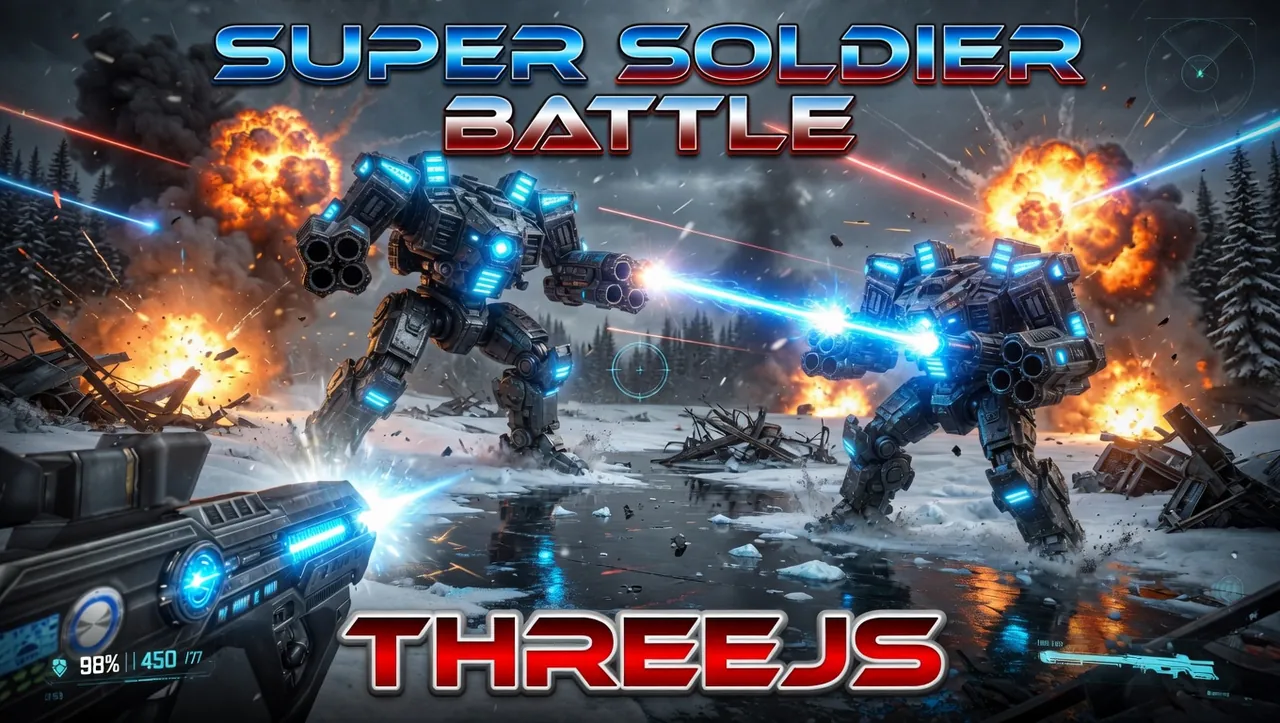
Super Soldier Battle
Free 3D multiplayer FPS built with Three.js and WebGL. Destroy the enemy bots and turrets, climb the leaderboard.
Play now →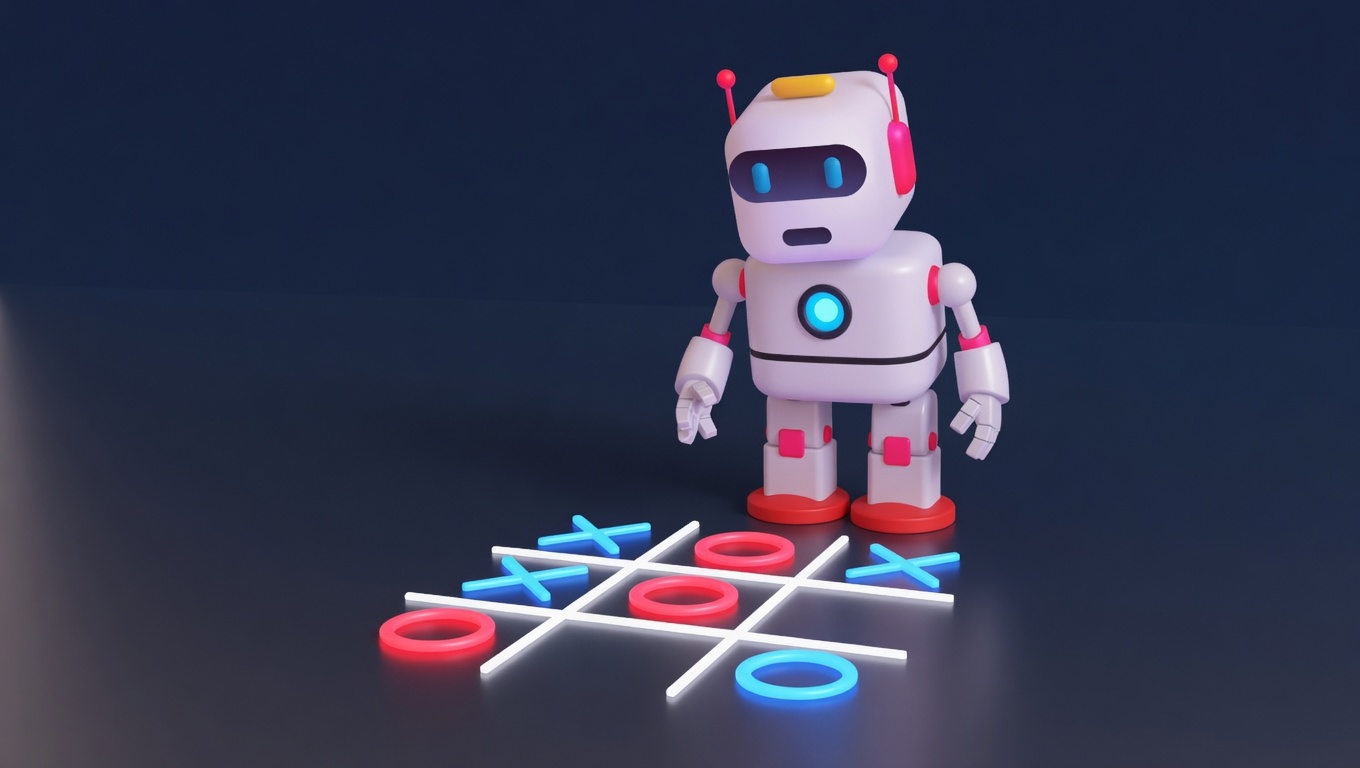
AI Tic-Tac-Toe
Play the classic game against an AI opponent right in your browser. Free, no download, with an online leaderboard.
Play now →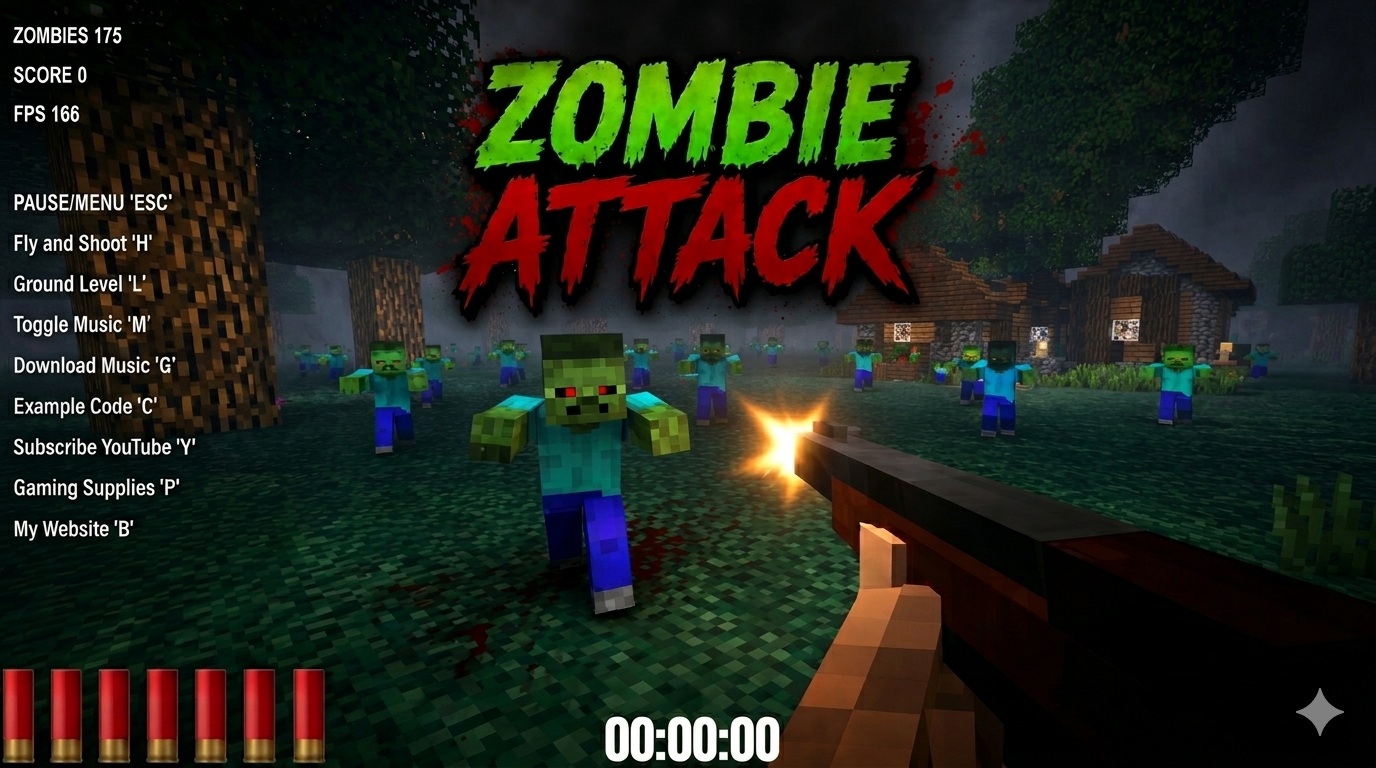
Zombie Attack
Survive waves of zombies in this free 3D browser shooter built with Three.js. No download, plays instantly.
Play now →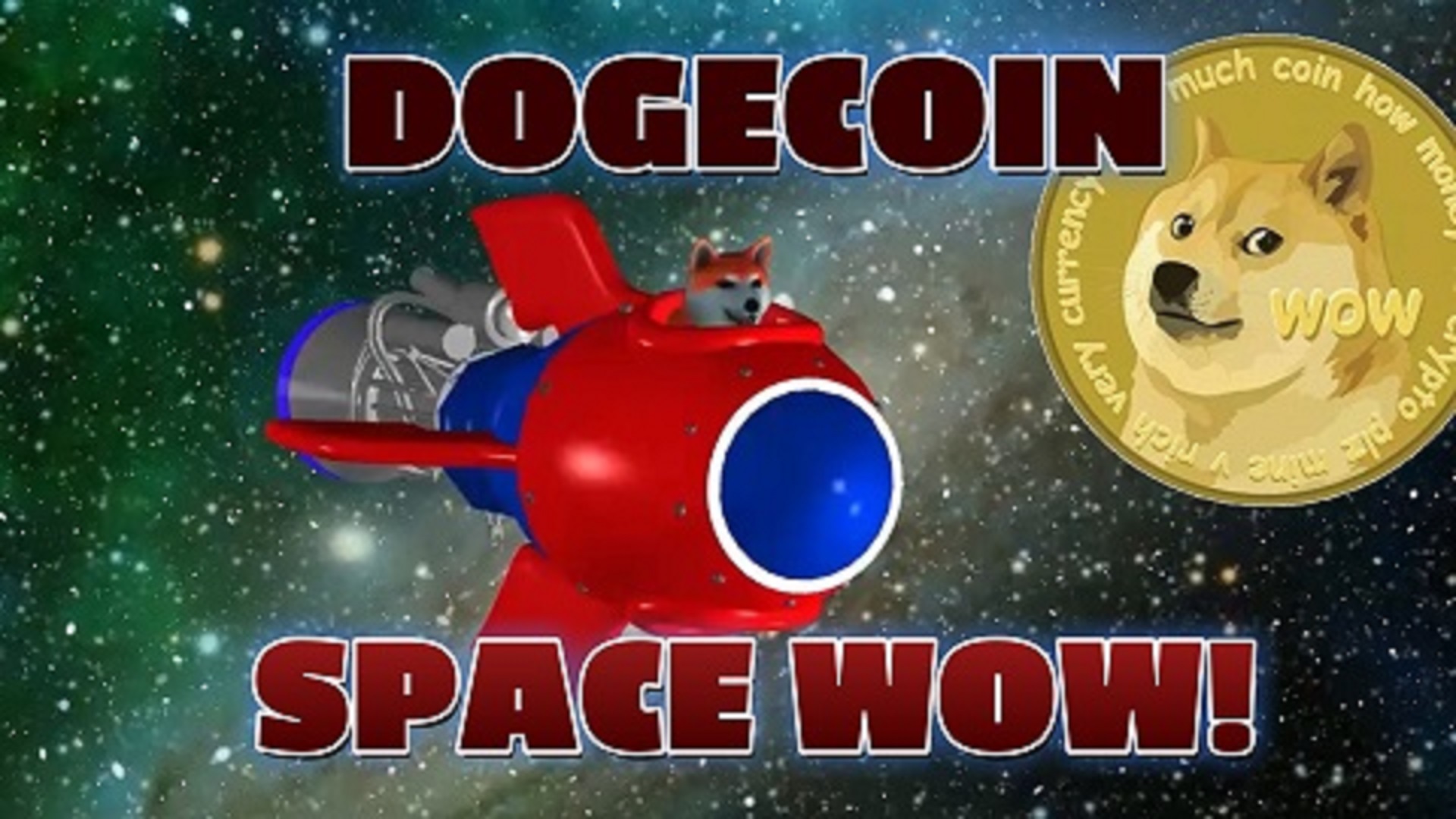
Space Wow
Blast through space in this free 3D Three.js arcade shooter. Free, no download, plays right in your browser.
Play now →Characters & Controls Tutorials
Free tutorials for the player side of a 3D game.
Building a Three.js Game?
I build browser games and interactive 3D experiences with Three.js. Tell me about your project.
Contact Me →