LEARNING THREE.JS
AND GAME PROGRAMMING
A practical, step-by-step roadmap for learning Three.js and browser game programming, from your first spinning cube to a playable 3D game, with the tools, habits and free projects that actually help.
By Shane Brumback · Updated November 3, 2026
Why Learn Three.js for Games?
Three.js is a JavaScript library that wraps WebGL, the GPU graphics API built into every modern browser. Instead of writing hundreds of lines of raw WebGL to draw a triangle, you create a Scene, a Camera and a Mesh, and Three.js handles buffers, shaders and draw calls for you.
For game programming that matters for one big reason: a link is the install. A player clicks a URL and the game starts on a laptop, a phone or a tablet, with no store, no download and no plugin. I build every one of my games this way, from Super Soldier Battle to Zombie Attack, and the same skills carry over to product viewers, 3D menus and data visualisation.
Three.js is not a full game engine. It has no built-in physics, level editor or networking. That is a feature when you are learning: you see every piece of the game, and you add only the systems you need.
The Learning Roadmap at a Glance
People stall when they jump straight from "hello cube" to "open-world shooter". Work through these stages in order and ship something small at each one.
- Stage 1: JavaScript fundamentals. Variables, functions, arrays, objects, classes, ES modules and
async/await. - Stage 2: The core trio. Scene, camera, renderer and the render loop.
- Stage 3: Making things look good. Materials, lights, shadows, textures and colour space.
- Stage 4: Making things move. Delta time, animation, tweening and loading animated glTF models.
- Stage 5: Making things playable. Keyboard, mouse, touch and gamepad input, collisions and game state.
- Stage 6: Shipping. Performance budgets, asset compression, mobile testing and hosting.
Stage 1: Get Comfortable With Modern JavaScript
You do not need to be a senior developer, but you do need to read code without fear. Focus on the parts game code uses every frame: loops over arrays, objects that hold state, classes for entities like Player and Enemy, and modules so each system lives in its own file.
Learn to use the browser developer tools early. The Console shows errors, the Sources panel lets you set breakpoints inside your game loop, and the Performance panel shows which function is eating your frame time. Most beginner bugs are a typo or an undefined variable that the Console already reported.
Stage 2: Scene, Camera, Renderer
Every Three.js program has the same skeleton. Modern Three.js ships as ES modules, so you load it with an import map and a <script type="module"> tag:
import * as THREE from 'three';

const scene = new THREE.Scene();
const camera = new THREE.PerspectiveCamera(60, innerWidth / innerHeight, 0.1, 1000);
camera.position.set(0, 1.5, 4);

const renderer = new THREE.WebGLRenderer({ antialias: true });
renderer.setPixelRatio(Math.min(devicePixelRatio, 2));
renderer.setSize(innerWidth, innerHeight);
document.body.appendChild(renderer.domElement);

const cube = new THREE.Mesh(
  new THREE.BoxGeometry(),
  new THREE.MeshStandardMaterial({ color: 0x2ad1d6 })
);
scene.add(cube, new THREE.HemisphereLight(0xffffff, 0x223344, 2));

const clock = new THREE.Clock();
renderer.setAnimationLoop(() => {
  cube.rotation.y += clock.getDelta();   // frame-rate independent
  renderer.render(scene, camera);
});
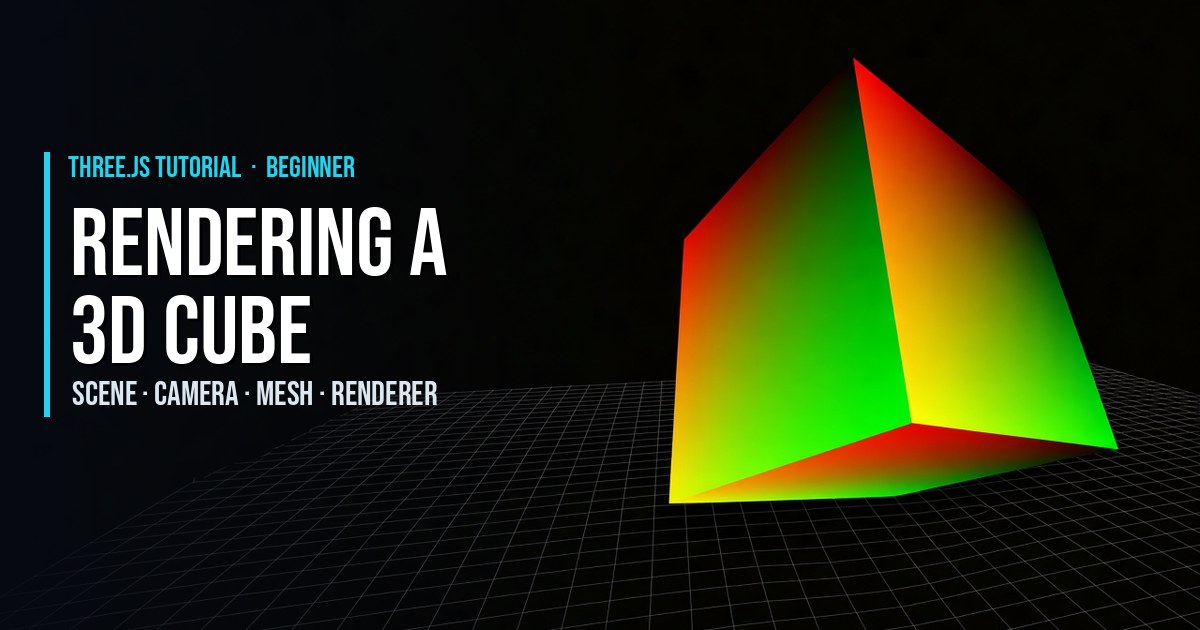
Build that yourself, then change one thing at a time: the field of view, the camera position, the geometry. My Rendering a 3D Cube and rotating donut tutorials walk through this skeleton line by line.
Stage 3: Materials, Lights and Textures
Most "my scene is black" problems are lighting problems. MeshBasicMaterial ignores lights, while MeshStandardMaterial is physically based and needs at least one light. Start with a HemisphereLight for soft fill plus a DirectionalLight for the sun, then turn on shadows only for the objects that need them.
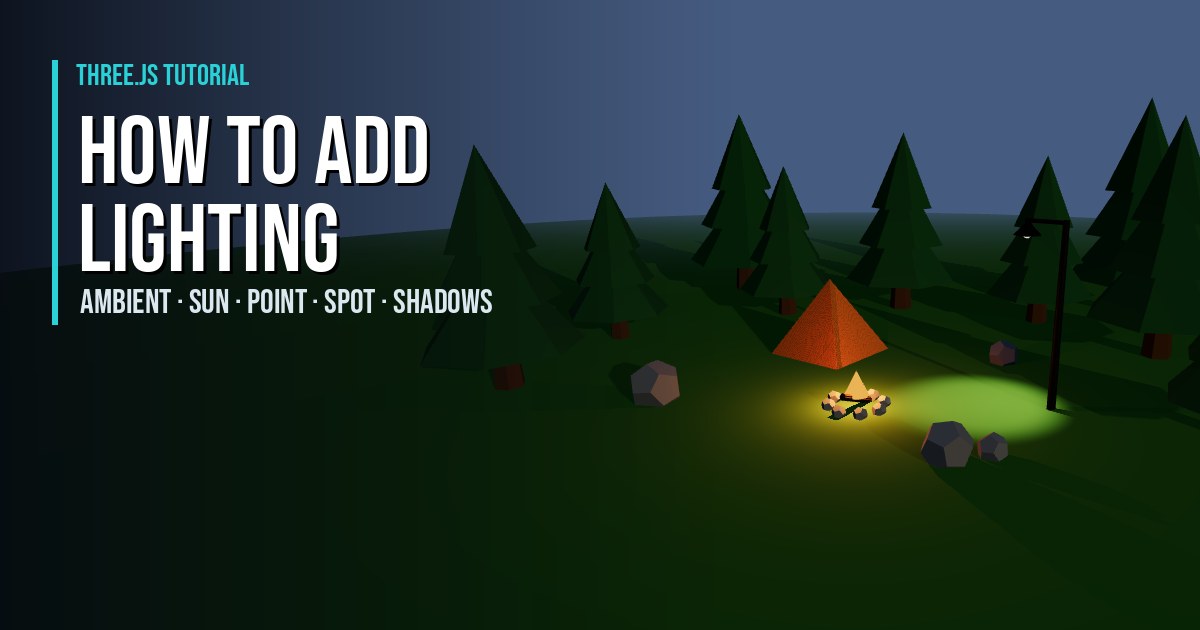
Set texture.colorSpace = THREE.SRGBColorSpace on colour textures so they do not look washed out. Learn the difference between a colour map, a normal map and a roughness map. Then practice with adding lighting to a scene, transparent PNG textures and bloom glow.
Stage 4: Motion, Animation and Models
Games feel alive when things move smoothly at any frame rate. Multiply every speed by delta time from THREE.Clock so the game runs the same at 30 and 144 frames per second. Use lerp to ease cameras and followers, which my object following tutorial covers.
Real characters arrive as glTF or GLB files. Load them with GLTFLoader, play clips with AnimationMixer and cross-fade between idle, walk and run. Try Animating 3D glTF Models, the rigged Super Soldier and, when feet start sliding, why feet slide and how to fix it. To make your own models, Blender to Three.js shows the export path.
Stage 5: Turn a Scene Into a Game
A game is a scene plus rules. That means input, collision and state. Read input into a small state object instead of reacting directly inside event listeners, then apply it once per frame in the loop. Programming 3D Games With Three.js breaks the game loop down in detail.
- Input: keyboard inputs, Pointer Lock controls, a touch joystick and the Gamepad API.
- Picking and collision: the Raycaster, sphere collisions and BVH wall colliders.
- Effects: particle systems, explosions and water shaders.
Stage 6: Ship It
Finishing is a skill. Put a small game online, send the link to a friend and watch them play on their phone. You will learn more about performance and controls in ten minutes than from another week of tutorials. Using Three.js to Develop Online 3D Browser Games covers performance budgets, asset compression and hosting.
Tools That Make Learning Faster
- A local dev server. ES modules will not load from
file://. Use Vite, or any static server such asnpx serve. - The official docs and examples. The Three.js manual explains concepts and the examples gallery shows working code for almost every feature.
- lil-gui. Bundled with the Three.js addons, it adds sliders so you can tune light intensity or speed live instead of guessing.
- Stats and renderer.info. Watch frame time, draw calls and triangle count from the very first project.
- Blender. Free, and the standard way to make or fix glTF models.
- An AI assistant. Useful for explaining errors and generating starting points. I build some tutorials this way, like the Grok Bot campfire. Always read and test what it gives you.
Five First Projects, in Order
- 1. A spinning, lit object you can orbit with
OrbitControls. - 2. A click game: shapes appear, you click them with a raycaster, a score counts up.
- 3. A character walker: a glTF character with idle and walk animations driven by WASD or a touch joystick.
- 4. A dodge or collect game with collisions, a timer, a game over screen and a restart button.
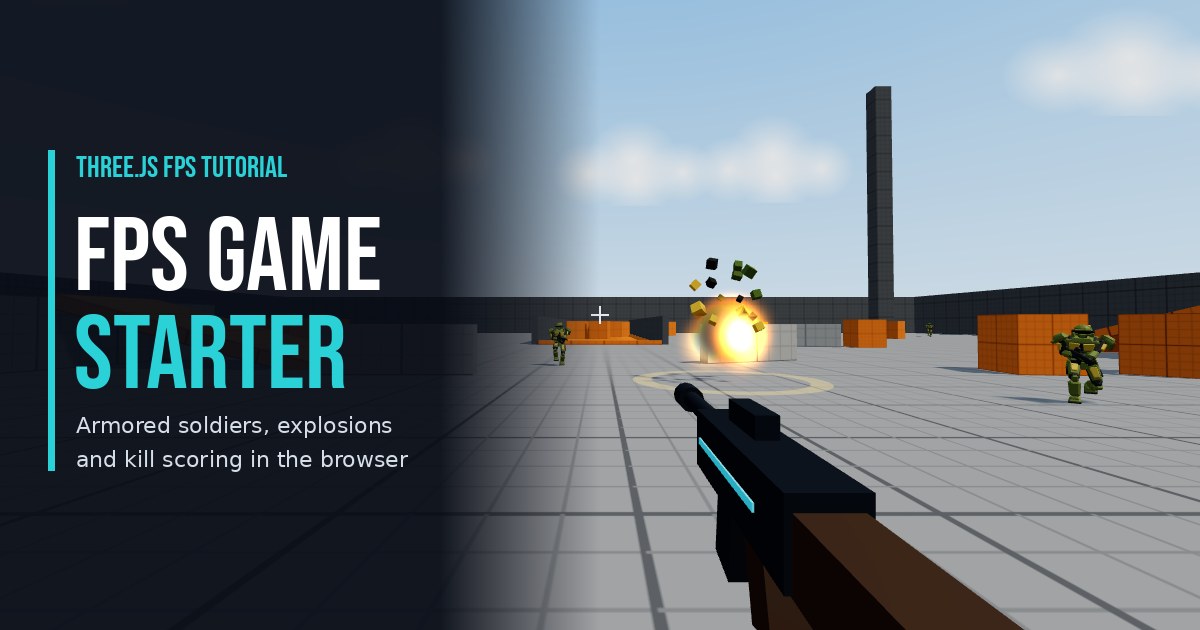
- 5. A small shooter built on my free FPS Game Starter or the Tommy Gun shooter.
Each project reuses the previous one. By project five you have written a loop, input handling, collision, UI and asset loading, which is the core of every browser game.
Common Beginner Mistakes
- Creating geometry or materials inside the loop. Create once, reuse, and call
dispose()when you remove things. - Ignoring delta time. Movement tied to frames runs at different speeds on different screens.
- Huge assets. A 40 MB model is a slow page. Compress and resize before you load.
- Copying old examples. Code that uses
THREE.Geometryor global script tags predates the module era. Prefer recent examples. - Building the dream game first. Scope down until you can finish it in a weekend.
Frequently Asked Questions
How long does it take to learn Three.js?
With basic JavaScript, most people can build a lit, animated scene in a weekend and a small playable game in a few weeks of regular practice. Getting comfortable with shaders, performance tuning and larger projects takes months, and it comes from finishing several small projects.
Do I need to know WebGL before learning Three.js?
No. Three.js hides the low-level WebGL API, so you can start with scenes, meshes and materials. Learning what a draw call, a shader and a buffer are will help later when you optimise or write custom effects.
Is Three.js good for making games?
Yes, for browser games. It is a rendering library rather than a full engine, so you add physics, input and game logic yourself or with small libraries. That keeps games light, fast to load and easy to share with a link.
What should I learn first: JavaScript or Three.js?
Learn enough JavaScript to be comfortable with functions, objects, arrays, classes and modules first. You can learn the rest of JavaScript alongside Three.js, because game code gives you a reason to use it.
Which tools do I need to start?
A code editor, a modern browser with developer tools and a local web server such as Vite. Blender is helpful once you want custom models, and lil-gui helps you tune values live.
Where can I find free Three.js game projects to learn from?
This site has free tutorials with live demos and copy-paste code, including an FPS game starter, character controllers, particle systems and terrain. The official Three.js examples gallery is also an excellent reference.
Keep Reading: Three.js Game Articles
 THREE.JS ARTICLE
Using Three.js to Develop Online 3D Browser Games
WebGL, performance and publishing a browser game.
 THREE.JS ARTICLE
Programming 3D Games With Three.js
Scenes, characters, input and the game loop.
Browse every article or all free Three.js tutorials.
SEE 3D AND 2D BROWSER GAMES IN ACTION
My free browser games are full Three.js 3D experiences — no download, they run right in your browser.
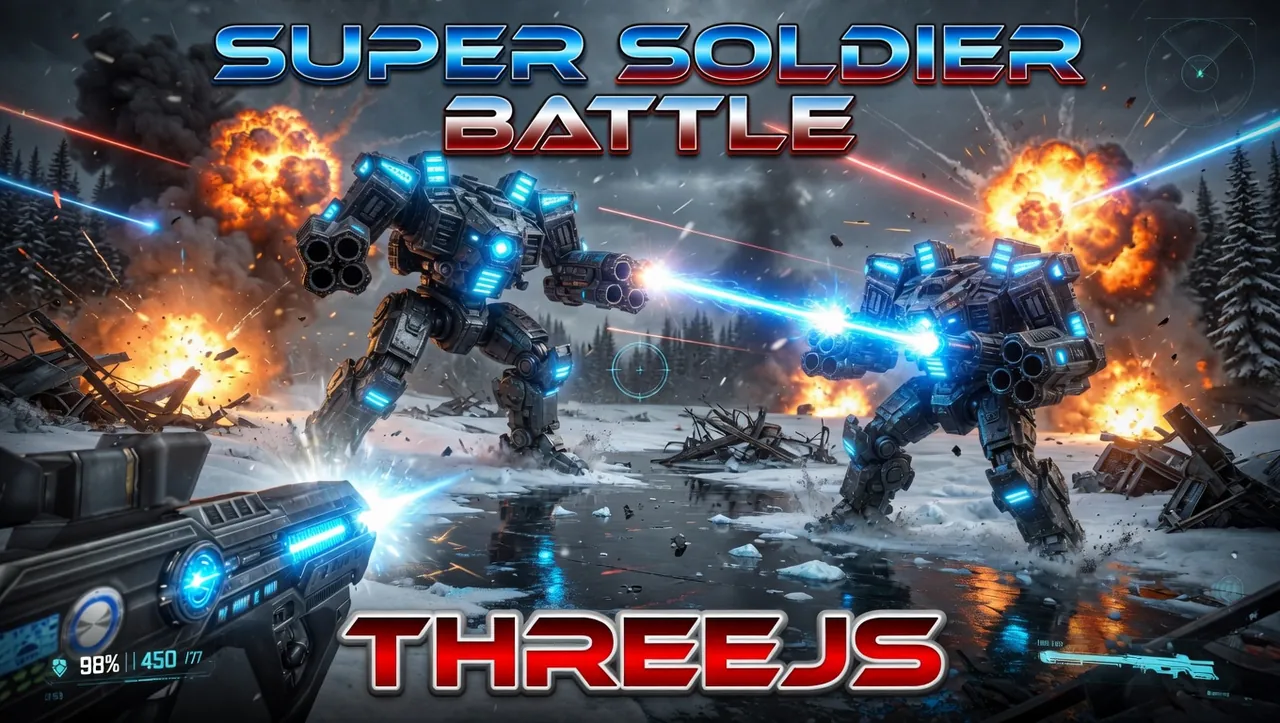
Super Soldier Battle
Free 3D multiplayer FPS built with Three.js and WebGL. Destroy the enemy bots and turrets, climb the leaderboard.
Play now →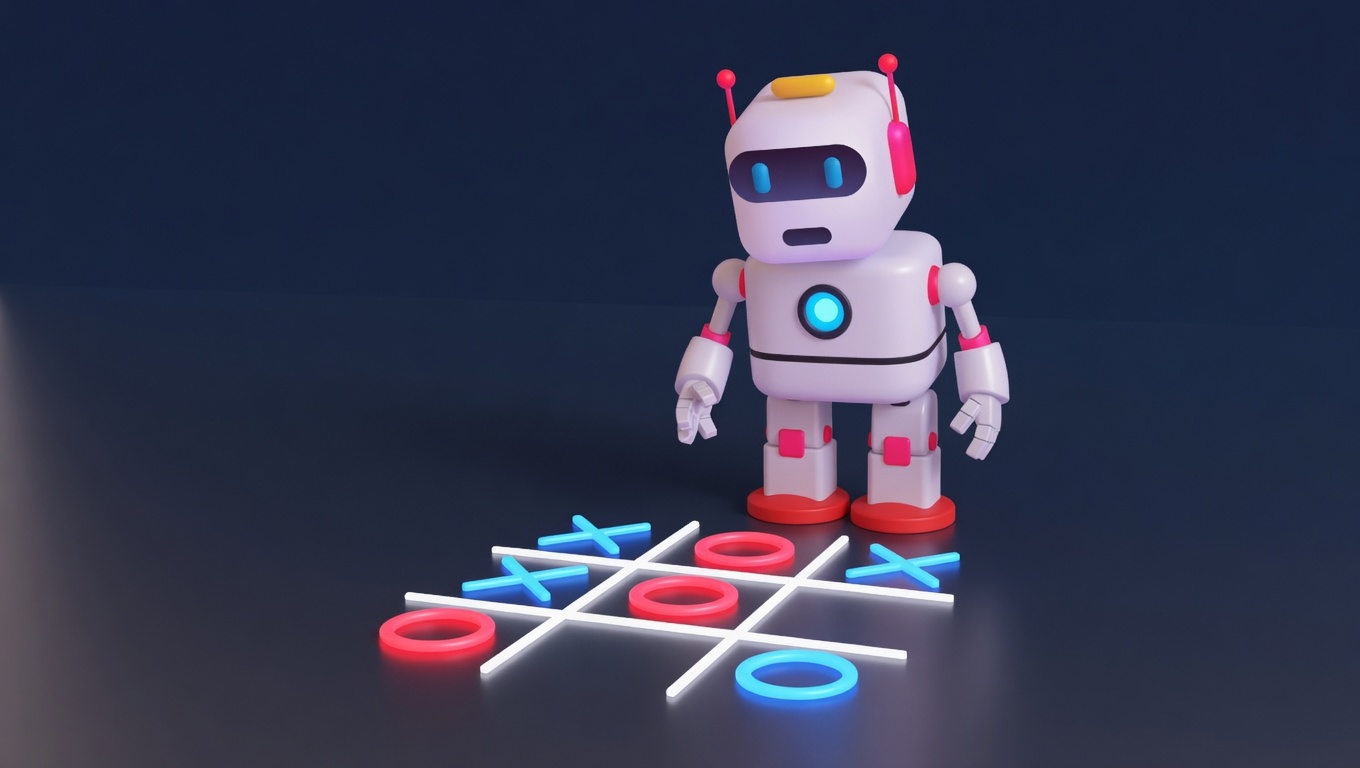
AI Tic-Tac-Toe
Play the classic game against an AI opponent right in your browser. Free, no download, with an online leaderboard.
Play now →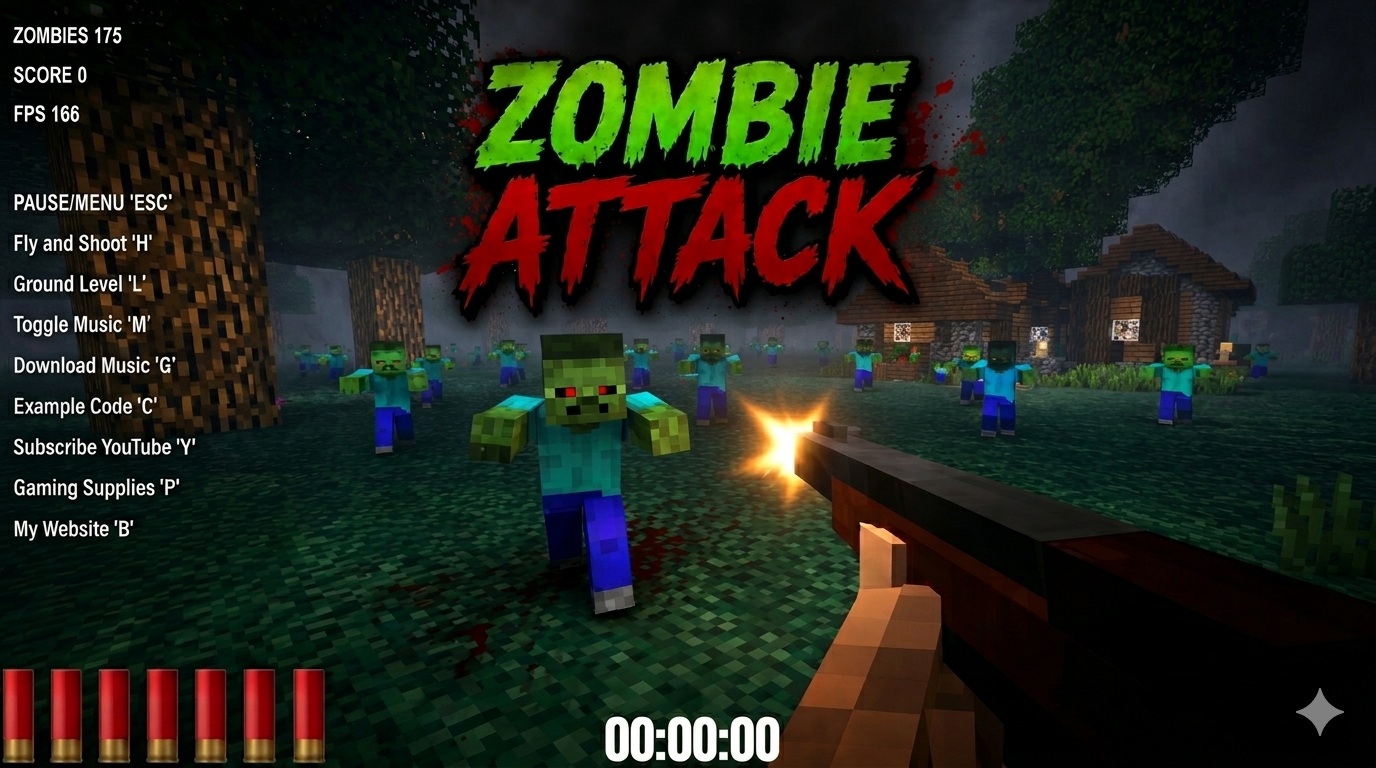
Zombie Attack
Survive waves of zombies in this free 3D browser shooter built with Three.js. No download, plays instantly.
Play now →
Space Wow
Blast through space in this free 3D Three.js arcade shooter. Free, no download, plays right in your browser.
Play now →Beginner Three.js Tutorials
Start here: small, complete projects that teach the core skills.
Building a Three.js Game?
I build browser games and interactive 3D experiences with Three.js. Tell me about your project.
Contact Me →